This software is developed by AmericoBila. Softy Global only provides sales, installation and support through its platform; all trademarks and copyrights belong to their respective developers.
Overview
MyStock is a complete offline-first Point of Sale (POS) and Inventory Management System for Windows — built for retail businesses that need speed, simplicity, and full control — no internet required, no server required, and no monthly fees.
Perfect for:
- Grocery stores & Supermarkets
- convenience shops
- fast food
- Pharmacies
- Hardware stores
- bottle stores
- Warehouses
- Bakeries
- Butcheries
- Boutiques & clothing stores
- cosmetics
- Electronics
- Auto Parts
- and any general retail..
Features Overview
1. Point of Sale (POS)
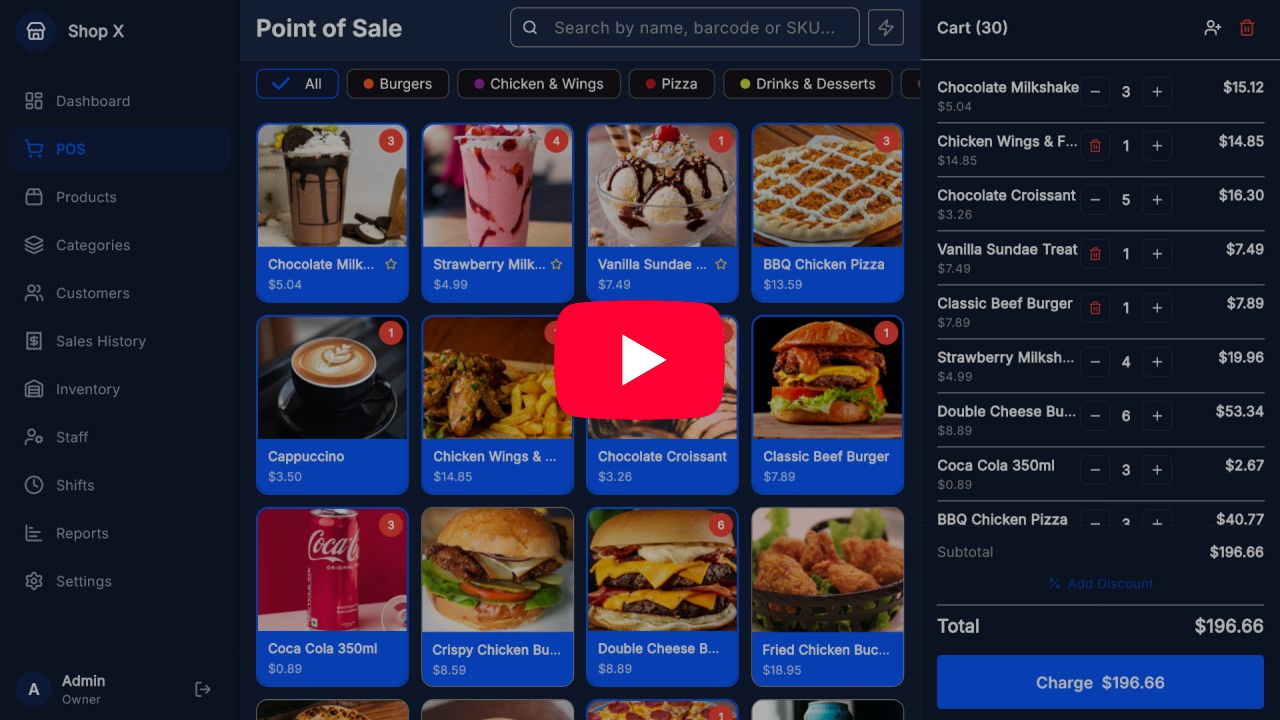
MyStock's Point of Sale was designed to be intuitive even for those who have never used a sales system. The product grid makes navigation easy, category filters and search find any product in seconds.
- Barcode scanning
- Sales receipt printing via: Bluetooth, USB & Ethernet
- Payment methods (Cash, POS (Card), and other methods you define…)
- Quick sale of extra Items/Services without stock
- And much more..
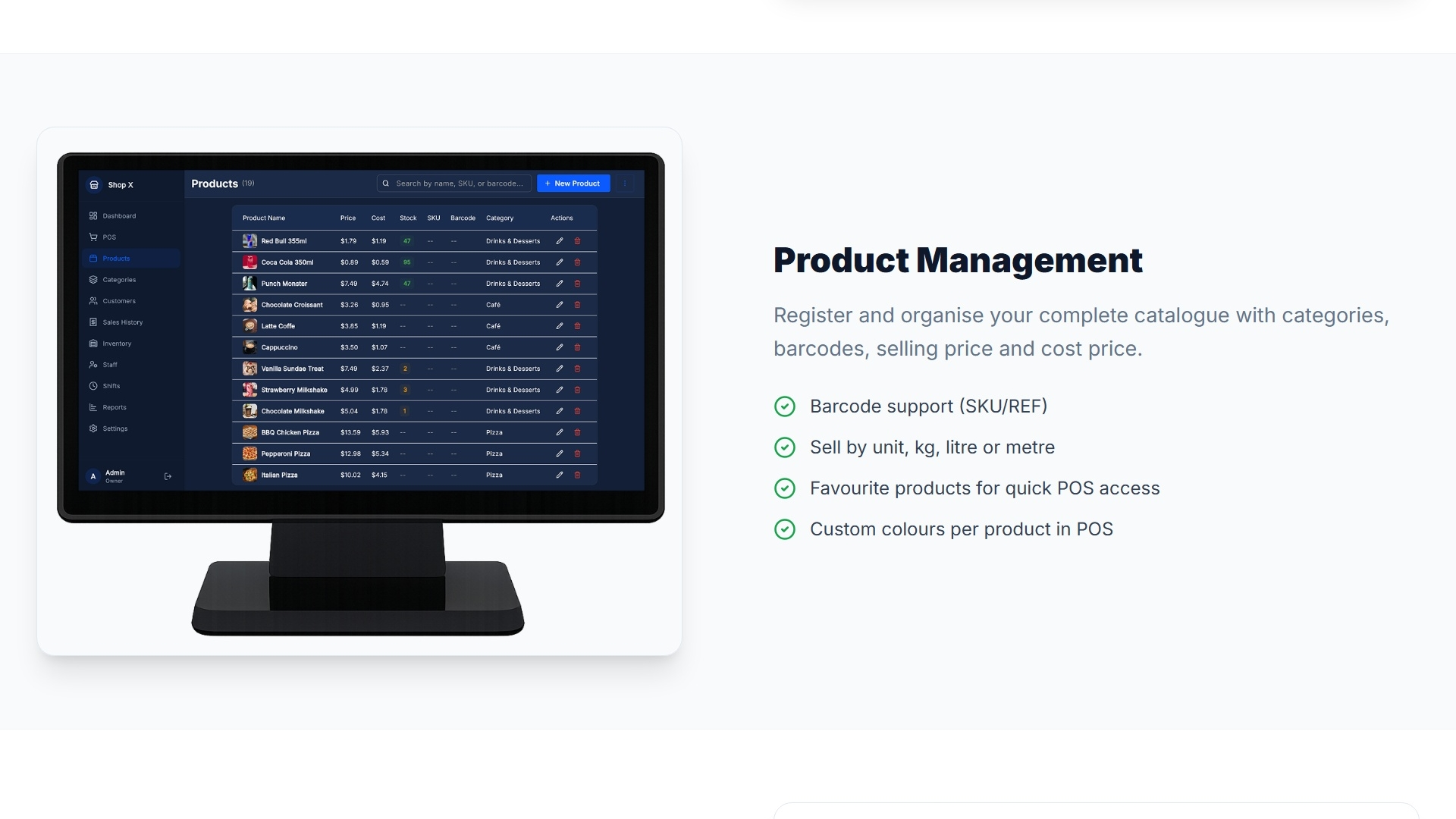
2. Product Management
Register and organize your complete catalog with categories, barcodes, selling price and cost price.
- Barcode, SKU etc
- Sale by unit, kg, liter or meter
- Favorite products for quick sale at the POS
- Products with custom colors for display at the POS
- Bulk Import/Export template with Excel
- And much more..
3. Stock & Inventory Management
Control inventory in real time with low stock alerts and adjustments options with reason.
- Low stock and out-of-stock alerts
- Adjustments: purchase, sale, damage, correction
- Stock movement filters
4. Customer Management
Customer with purchase history, contacts and quick search.
- Name, phone, email and address etc.
- Purchase history per customer
- Bulk Import/Export template with Excel
- And much more..
5. Staff/Employee Management
Every employee in their place — control and define what each staff member can see and do in the system with detailed roles and permissions.
- 4 roles: Owner, Admin, Manager, Cashier
- Secure login with PIN (4 digits)
- Individual permissions per module
- And much more..
6. Shift Management
Open and close shifts with cash control, reconciliation and complete shift history.
- Cash opening and closing
- Reconciliation: expected vs. counted amount
- Cash movements: tracked inflows and outflows
- Active banner with real-time statistics
- View details of open/closed shifts
- General shift history list
- Export shifts details with Excel
7.Sales Reports
Analyze your business performance with reports by period, best-selling products and profit metrics.
- Period filters: Daily, Weekly, Monthly or custom range
- Total revenue, profit and average sale value
- Best-selling products with visual bars
- Detailed list by payment method
- Export sales details with Excel
8. System Settings
Be in full control of your system settings.
- General business information
- Pre-configured special discounts management
- Accepted payment methods management
- POS devices management for shift tracking: Terminal 1, Terminal 2, etc.
- Supported printers management: Bluetooth, USB & Ethernet
- Backup & restore management
- Multi-PCs using LAN network support
- Multi-Language support
- Dark & Light theme support
- And much more…
Explore each module with real POS system screenshots below;

Demo Video – See MyStock in Action
Watch our demo video to see MyStock's features and how it can simplify the management of your business.
Download MyStock Demo App